AI order automation features: from the message to the sales order
Six parts of the same job: reading the order, matching every line, checking your rules, writing it into your ERP, managing the accounts behind it, and showing you what happened.
The short version
Everything a distributor's order desk does, minus the typing
A distributor takes orders in every format there is — an email here, a WhatsApp photo there, a spreadsheet, a voice note after service. Someone reads each one, works out which of your products the customer means, checks the price list and the minimum, and types it into the ERP before the vans load. It works, and it does not scale: your order volume is capped by how many people you can hire and train.
ManualOut does that whole job. Each feature below handles one part — capturing the order, reading it, checking your rules, writing it to your ERP, holding the account behind it, and reporting on the lot. Together they turn an incoming message into a validated sales order without your team retyping a thing, and without asking your customers to change how they order.
The six features
What each part does
Every one has a page of its own, with the detail and a live look at the product.
Order capture
Take the order however it arrives

AI extraction
Read the order, match it to your products
Rules & validation
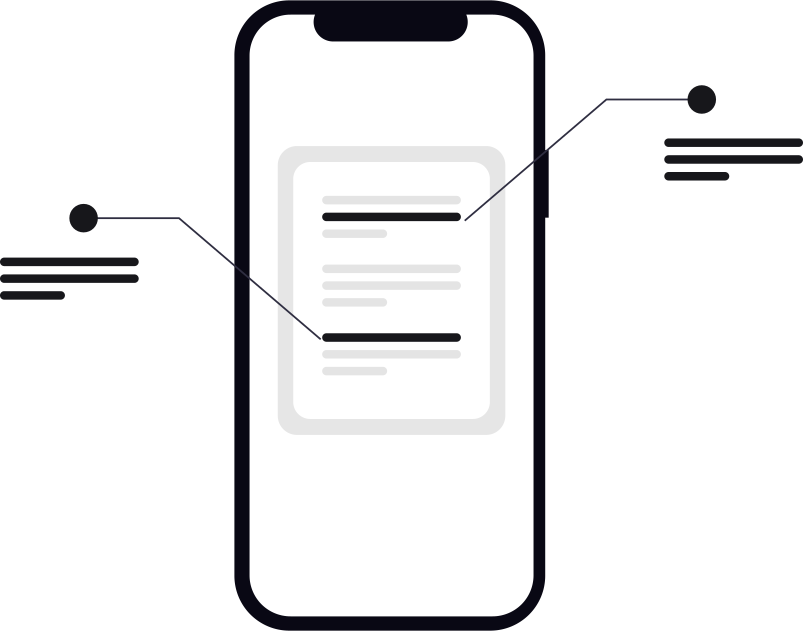
Your rules, checked on every single order

ERP sync
It only counts once it is in your ERP
Customer management
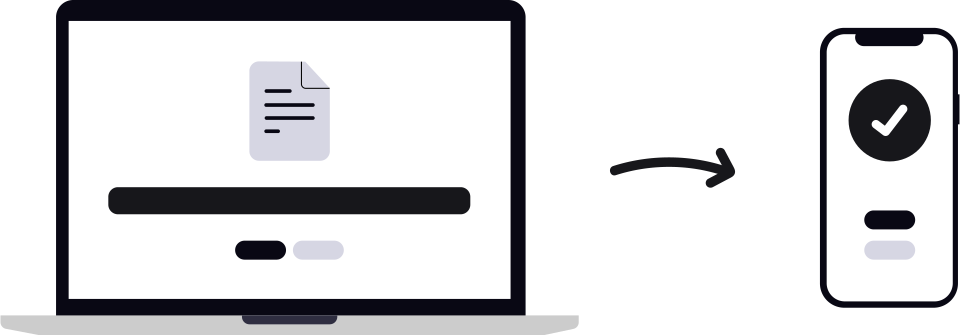
Set each account up once, then let the good ones run

Analytics
See what you are selling, and how well the AI is doing

Review & exceptions
Uncertain orders reach a person, not the warehouse

Data & security
What it can see, and what it can't

How the pieces fit
One order, through all six
The features are not separate tools you stitch together. The output of each is the input to the next, so an order moves from inbox to ERP without a CSV export or a copy-paste in between.
- 01
The order arrives
However your customer chose to send it: email, WhatsApp, a PDF, a spreadsheet, a voice note after service. They do not have to change anything.
- 02
The AI reads it
ManualOut's AI pulls out the products, quantities and pack sizes, and matches each line to your product list. Anything it cannot match, it flags.
- 03
Your rules are checked
Price list, minimum order value, delivery charge, cutoff time, company and warehouse. Checked on every order, so it does not depend on who is on the desk.
- 04
The sales order is created
The order goes into your ERP and the ERP's order number comes back. If the ERP rejects it, you get the error and can fix and retry.
- 05
Your team handles what is left
Clean orders go through on their own. Only real decisions reach a person: a shortage, a line that would not match, an order below the minimum.
Around that flow, customer management holds each account’s rules and history so the matching gets sharper over time, and analytics shows what you sold and how much the automation actually handled.
Why one platform
Built as one system, not six tools bolted together
Order automation only pays off when the whole path is covered. A tool that reads the order but cannot write it to your ERP just moves the typing somewhere else.
Nothing falls between the tools
Capture feeds extraction, extraction feeds your rules, your rules feed the ERP write. There is no glue code, no export-and-import, and no second system where an order can get stranded.
Your rules live in one place
Set your minimums, cutoffs, price lists and warehouse routing once. They apply to every order the same way, whether it arrived by email, WhatsApp or voice note.
One record of every order
Every order — and the original message it came from — sits in one queue with one timestamped trail. Settling a dispute or reconciling a day stops being detective work.
Questions
What buyers ask about the platform
What does ManualOut do?
ManualOut is AI order-entry software for food and FMCG distributors. It reads the orders your customers already send — email, WhatsApp, PDFs, spreadsheets, voice notes — pulls out the line items, matches each to your product list, applies your pricing, minimum-order and cutoff rules, and creates the sales order in your ERP. A person only handles the orders it flags as uncertain.
Which order channels can ManualOut read?
Email bodies and attachments, WhatsApp messages and photos, PDF purchase orders including scanned and faxed, Excel and CSV in any column layout, voice calls and notes, direct file uploads, and orders placed through your own portals. Your customers keep ordering the way they already do.
Which ERPs does ManualOut write sales orders into?
The major systems — Microsoft Dynamics 365 and Business Central, SAP, Oracle, NetSuite, Odoo, Epicor, Acumatica, Sage and QuickBooks among them — plus custom ERPs through a documented integration. See the integrations page for the current list.
Do our customers have to change how they order?
No, and that is the point. There is no portal to roll out and no app for them to adopt. They send orders exactly as they do today; the work of turning that into a structured sales order happens on your side, not theirs.
How is this different from OCR or a customer portal?
OCR only turns an image into characters — it does not know that “orange squash 1L” is your twelve-pack rather than your six. ManualOut matches each line to your catalogue using the account's own ordering history, and flags anything it is unsure about. A portal shifts the data entry onto your customer, which is why adoption stalls; ManualOut asks nothing of them.
Is there a human in the loop?
Yes. Every order carries an AI confidence score. Clean, high-confidence orders can flow straight through, while a low-confidence line, a shortage, or an order below the minimum is put in front of a person with the original message attached. The goal is that your team spends the morning deciding, not typing.
See it run on one of your own orders
Send us a real order — the messiest one you can find. We will run it live and show you what happens when it works, and when it does not.